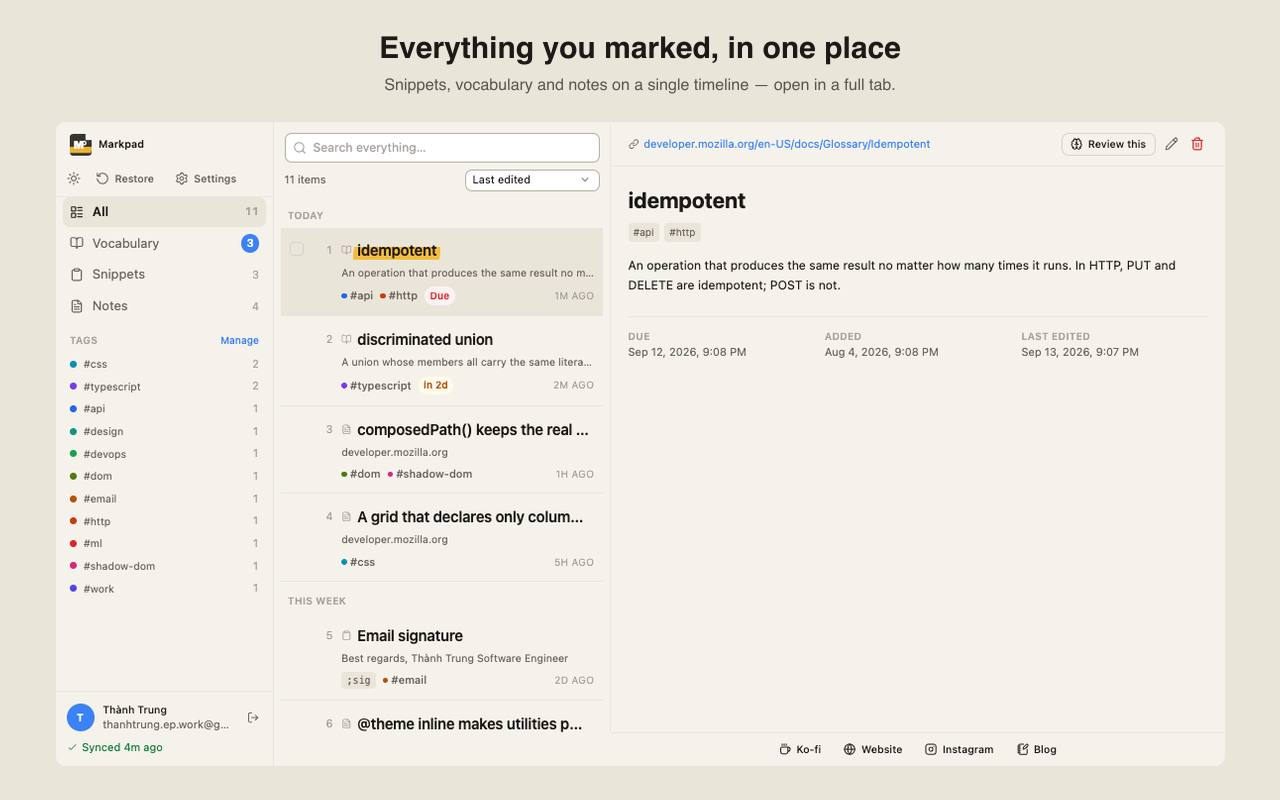
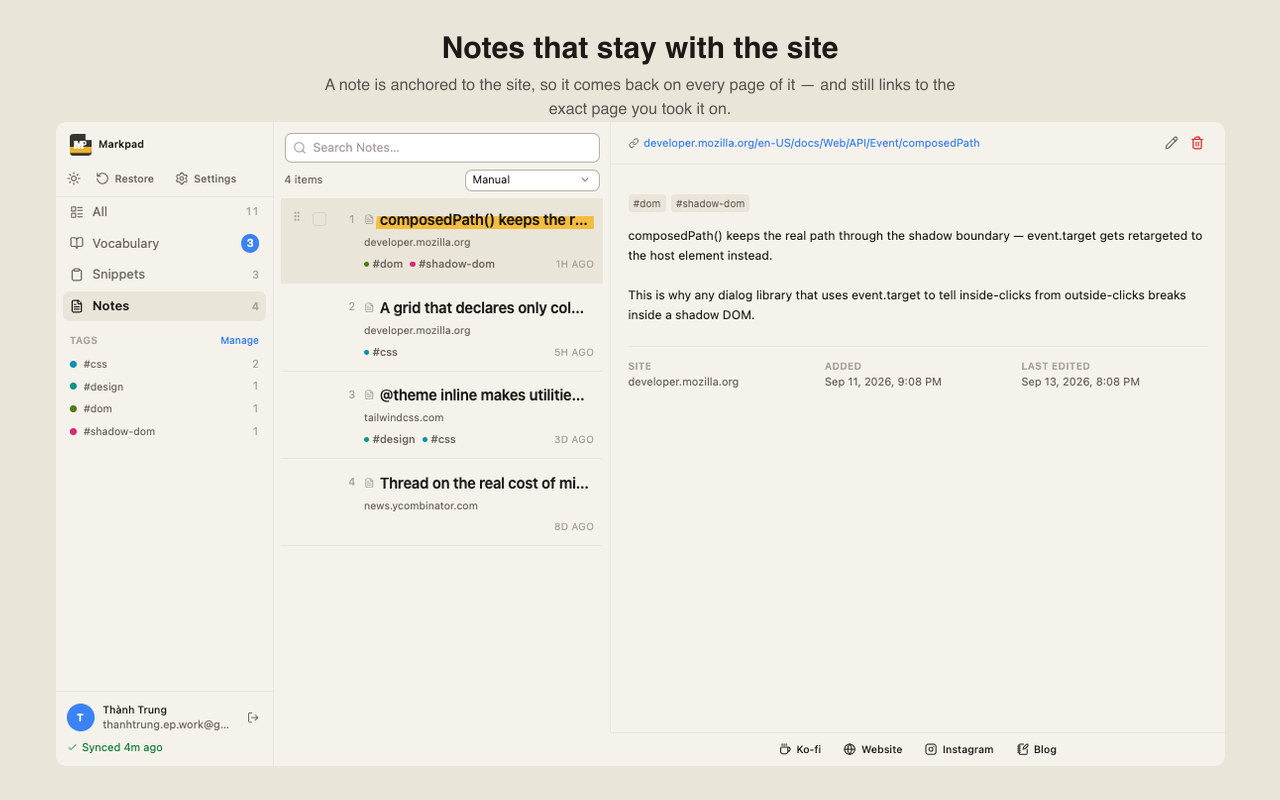
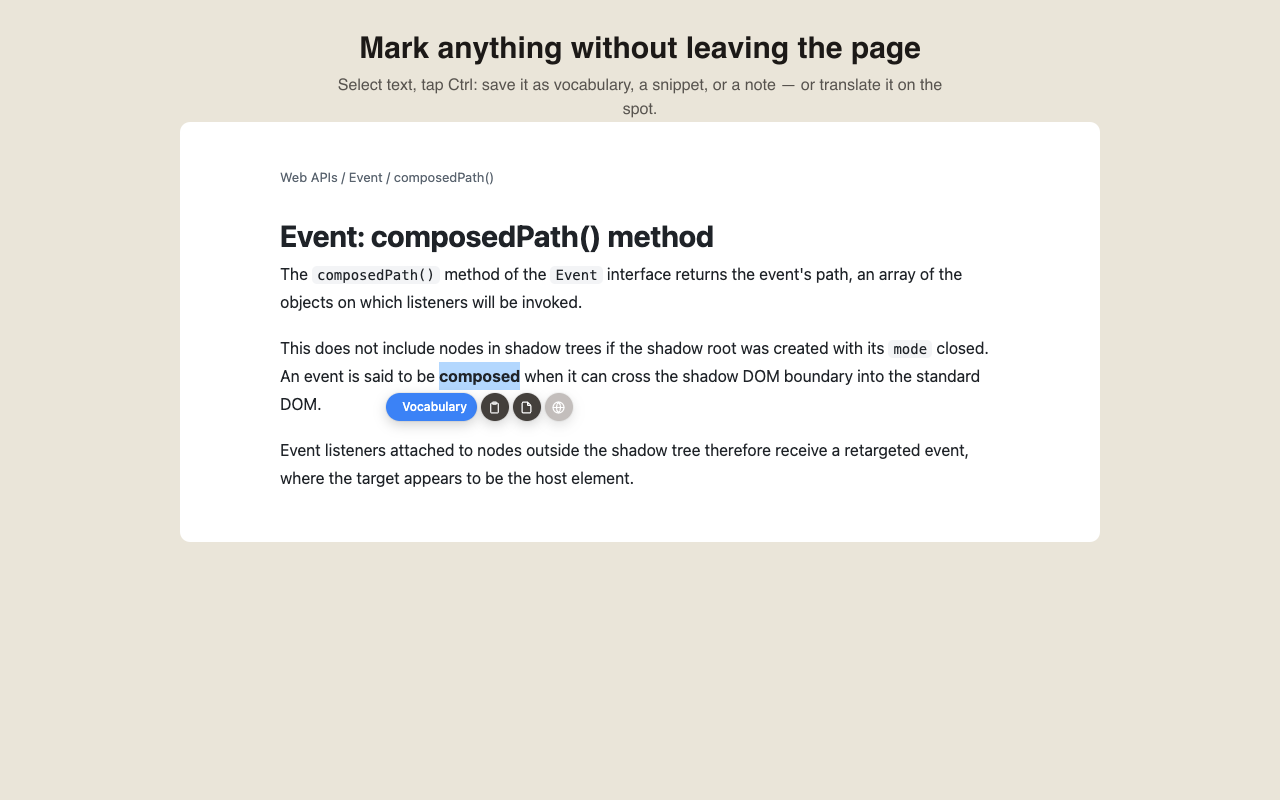
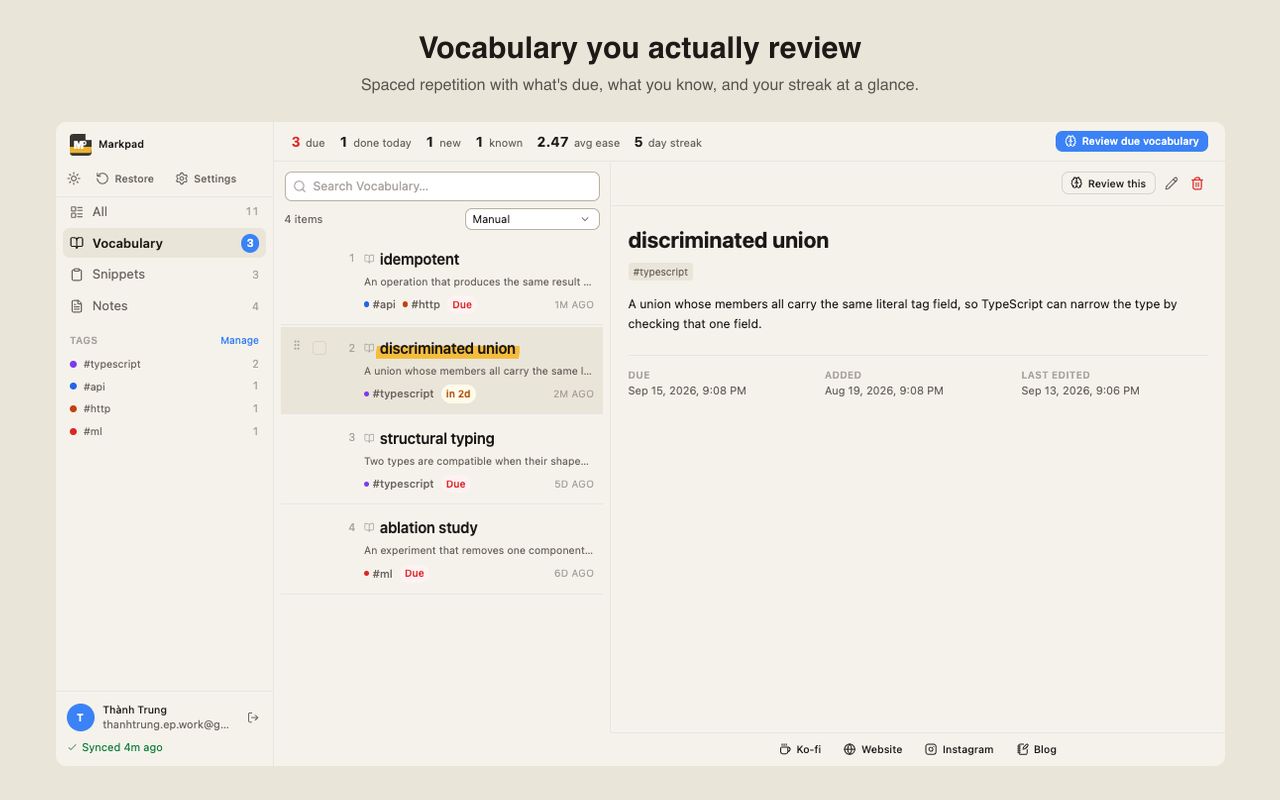
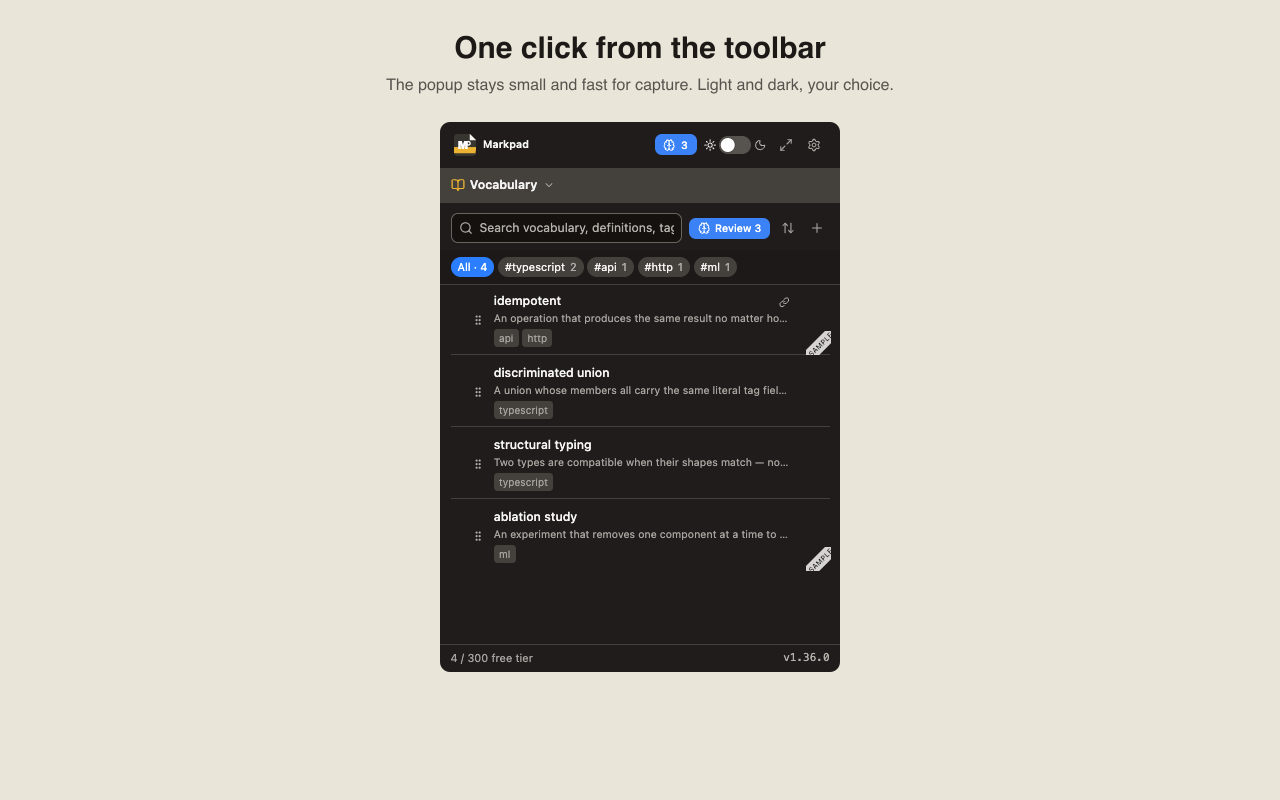
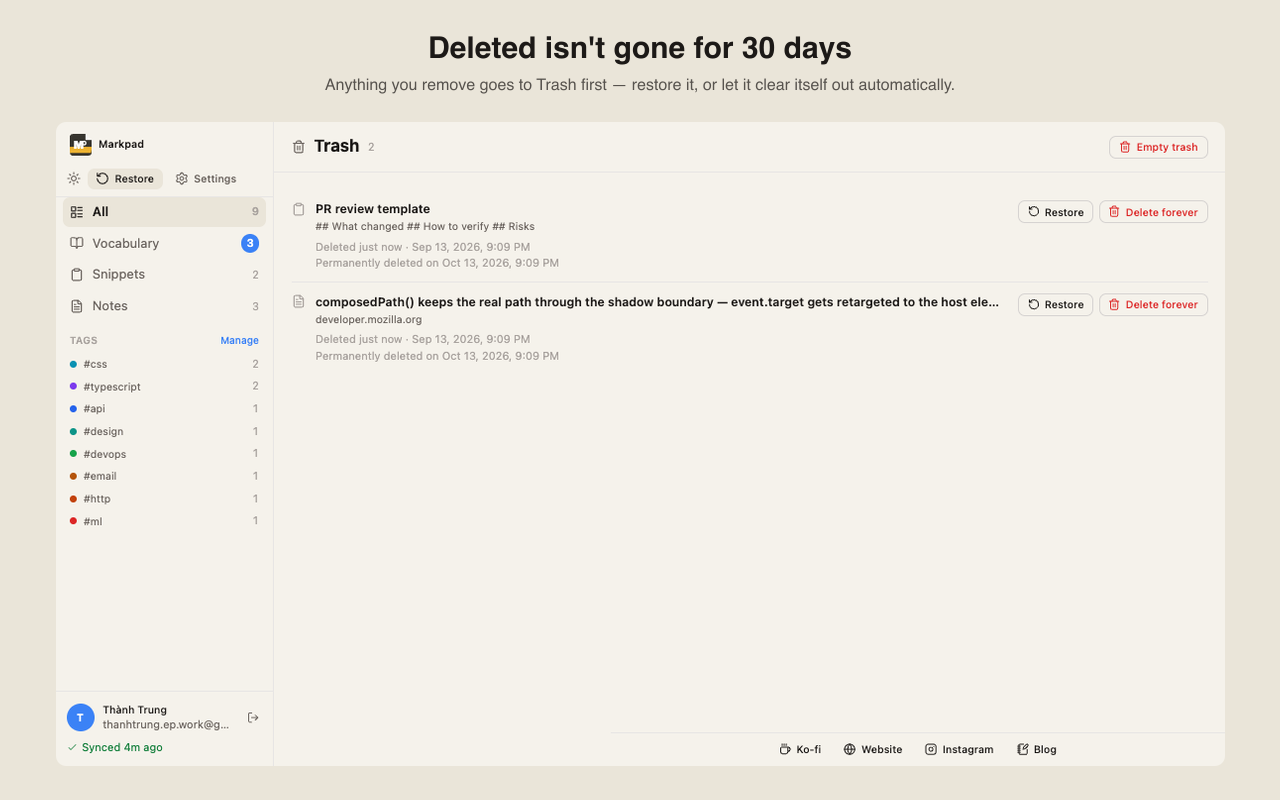
See it in action
What Markpad actually looks like
Real product screenshots — captured straight from the current build. No mockup fakery.
No frameworks, no fluff — just the story, the design decisions, and the stack behind Markpad.
Every feature exists to solve exactly one pain point — no more, no less. No existing extension combines all three, and none of them work fully offline with no account required.
Problem
Developer Alex retypes the same PR comment dozens of times a week. TextExpander costs $40/year; Notion is too heavy for a quick copy-paste.
Solution
Save a snippet with a short alias. Open the popup, type two characters, click copy. Done in 3 seconds.
Problem
Researcher Bình runs into "LoRA" for the fourth time and still can't recall the definition. Google Dictionary only covers common words; Anki is overkill for saving one term.
Solution
Highlight the word on the page → right-click → Add. Your own definition, one second away.
Problem
PM Chi researches 20 competitor sites. Two weeks later, she's forgotten the insight she had. Bookmarks only save the URL — not the thought.
Solution
Notes are pinned to the URL itself. Revisit the page and the note is right there — you save the insight, not just the link.
Real product screenshots — captured straight from the current build. No mockup fakery.
Warm paper background, near-black text (never pure black), near-invisible borders. One accent blue, used sparingly — interactive states and tags only. Auto/Light/Dark, all following the same palette.
Chrome — nav, tabs, borders — recedes; content comes forward. Hierarchy is built with size and weight, never color.
Multi-layer soft shadows instead of one hard drop-shadow — cards and toasts feel gently lifted, never harsh.
Soft multi-layer shadows instead of hard drop-shadows, no gradients, no glow. A power tool should feel quick, not decorative.
Chosen in the first week and never revisited — one less decision to make on every release.
Made by thanhtrung.ep — built solo, in public. Questions or feedback? thanhtrung.ep.work@gmail.com